
Countdown Widget: Any Event
A countdown that never loses your days — and never holds a widget back.
Add the day that matters, put it on your home screen, and watch it come closer. No limit on how many you keep, and nothing between you and the number.
- Free to download
- iPhone & iPad
- iOS 17 or later
- No account needed

On a computer? Scan this with your iPhone camera to download the app.
Not on an iPhone? Try this in any browser: Days until calculator
What it does
Watch the day come closer
Add the day that matters, put it on your Home Screen and watch it come closer. Count down to a date or count up from one, with repeats every year, month, week or few days.
Every widget, free
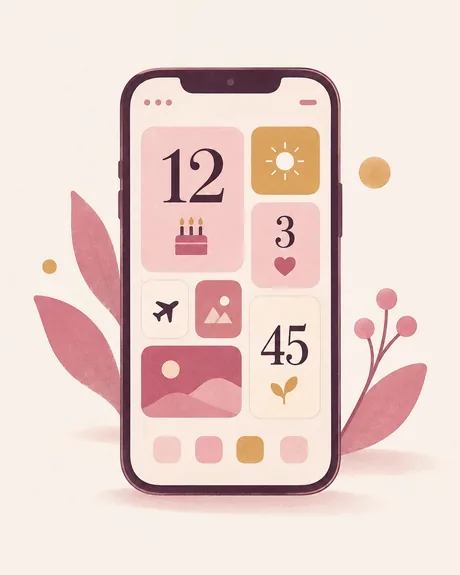
One countdown, the next few in a list, a spotlight, or a tile for each — in every size, on the Home Screen and the Lock Screen. Unlimited events, reminders and iCloud sync are free too.
Start from a template
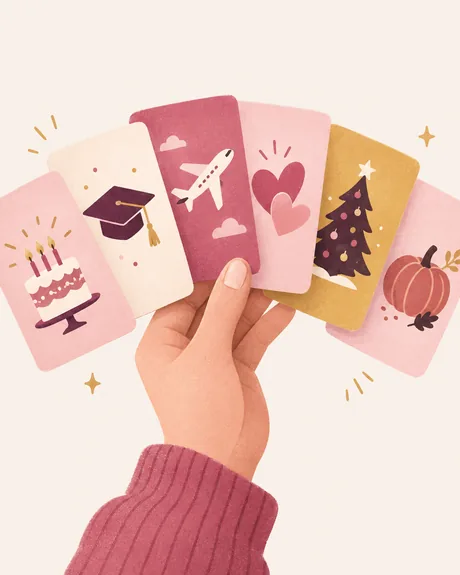
Thirty-six ready-made events, from a birthday to a first day at work, each already set up with the right repeat and the right reminders.
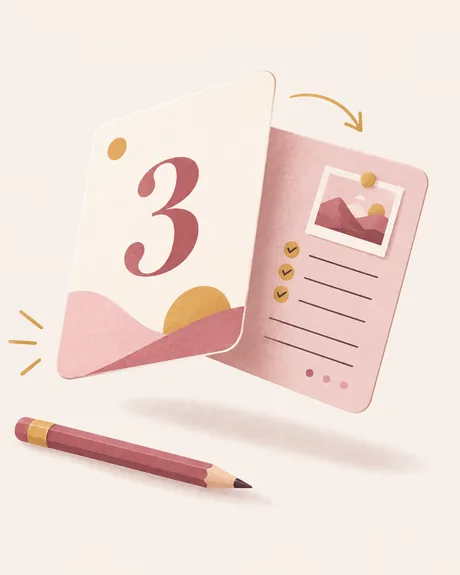
The back of every event
Tap an event and it turns over to a page of its own. Write a few lines, add photos, record a voice — the story of the day, kept with the day and shared as one picture.
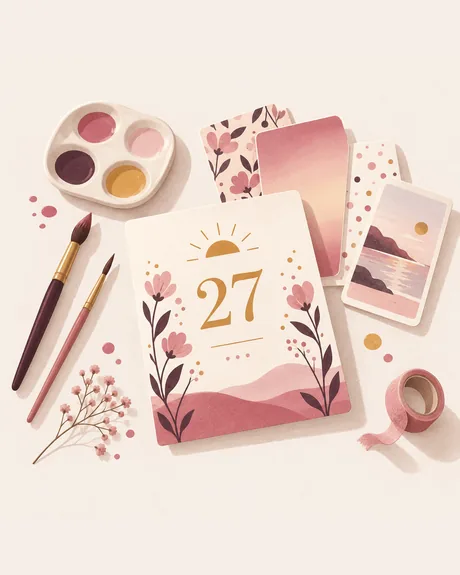
Make it look like yours
Two hundred drawn icons, the whole emoji keyboard and 151 full-screen backdrops — 22 of them photographs, 99 of them in Pro.
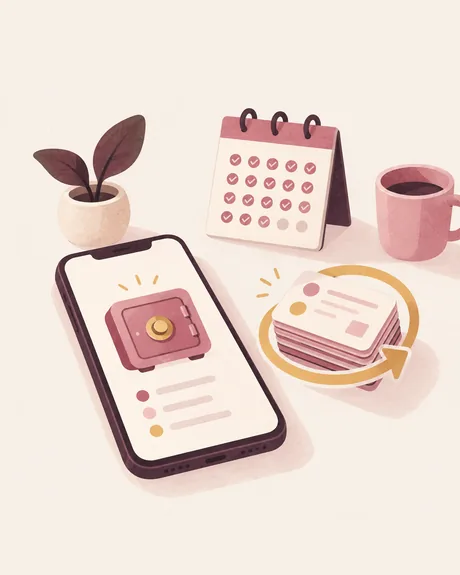
Your days, kept
Every day the app takes a snapshot of all your events on this device, and always before anything risky: thirty days of history, one tap to restore, and nothing leaves your phone.

Days that passed stay with you
Past days are never deleted. They collect into a timeline you can look back through, with the longest wait of each year written next to it.
See it in action
The details, as written in the App Store
Every widget, free
- Four widgets: one countdown, the next few in a list, a spotlight, or a tile for each
- Every widget size, on the Home Screen and the Lock Screen
- Unlimited events — there is no cap, and there never will be
- Count down to a date, or count up from one
- Recurring events: yearly, monthly, weekly, or every few days
- Reminders on the day, and as far ahead as you want
- iCloud sync, with no account to make
- Import from a calendar, a spreadsheet, or another countdown app — and export any time
- No ads, ever
Count down to anything
A wedding countdown, a vacation or trip countdown, a birthday or an anniversary. Christmas, New Year, Halloween and Thanksgiving. Exam day, graduation, retirement, a baby due date, a concert, a deadline, payday. Or count the days since a day that has already happened.
Your days, kept
Most countdown apps lose your events at the worst moment — an update, a reinstall, a phone that died. This one takes a snapshot of everything on this device every single day, and always before anything risky. Thirty days of history, one tap to restore, and nothing ever leaves your phone. Days that have already passed are never deleted either: they collect into a timeline you can look back through, with the longest wait of each year written next to it.
The moment itself
When a countdown reaches a milestone — a hundred days, a week, the morning of — the app opens on the number, full screen, and gives you a card worth sharing.
The back of every event
Tap an event and it turns over to a page of its own. Write a few lines, add photos, record a voice — the story of the day, kept with the day. It syncs with iCloud, goes into every backup, and shares as one picture.
Made to look like yours
Thirty-six ready-made events, from a birthday to a first day at work, each already set up with the right repeat and the right reminders. Two hundred drawn icons and the whole emoji keyboard. A hundred and fifty-one full-screen backdrops — twenty-two of them photographs — ninety-nine in Pro.
Countdown Pro
Pro unlocks the Pro backdrops, with a new drop every month, your own photos behind a countdown, the Pro typefaces, the Lock Screen Live Activity, and inviting someone to count down with you. Whatever you unlock while subscribed stays yours for good — cancelling only stops the new ones arriving. Your countdowns, reminders and widgets work the same whether you subscribe or not.
Pricing and subscription terms
Countdown Pro is an auto-renewing subscription. Prices for the annual plan, which includes a 7-day free trial, and the monthly plan are shown in the app before purchase. Payment is charged to your Apple Account at confirmation of purchase. It renews automatically unless cancelled at least 24 hours before the current period ends, and you can manage or cancel it in your Apple Account settings at any time. A one-time Lifetime purchase is also available; it does not renew.
What's new in version 1.4.18
Made for iPhone Duo. Unfold it and your list and the day you're looking at sit side by side: tap a countdown on the left and it opens on the right. iPad in landscape gets the same two columns, and the widget page and backdrops spread out across the wider screen.
Questions people ask
Is there a countdown widget app for iPhone that is actually free?
Yes. In Countdown Widget: Any Event every widget size works on both the Home Screen and the Lock Screen without paying, and the number of events is unlimited. Reminders, repeats and count-up are free as well. Pro adds backdrops, your own photos, typefaces, the Live Activity and counting down together with someone you invite.
How many countdowns can I create on the free tier?
There is no limit on any plan — add as many events as you like.
Can it count up from a date that already passed?
Yes. Any event can count down to a date or count up from one, and repeats can be yearly, monthly, weekly or every few days.
What happens to my countdowns if the app updates badly or I reinstall?
The app takes a snapshot of everything on the device once a day, and always before anything risky. Thirty days of history are kept and any snapshot restores in one tap. iCloud sync is available and needs no account.
What does Countdown Pro unlock, and how is it sold?
Pro unlocks the Pro backdrops — 99 of the 151 full-screen backdrops — with a new drop every month, your own photos behind a countdown, the Pro typefaces, the Live Activity pinned to the Lock Screen, and inviting someone to count down with you; joining a countdown someone else shares with you needs no subscription. Whatever you unlock while subscribed stays yours. It comes as an annual plan with a 7-day free trial, a monthly plan, or a one-time Lifetime purchase; the prices are shown in the app before purchase. Countdowns, reminders and widgets behave identically with or without it.
Do I need an account?
No account and no sign-up. iCloud sync uses your own Apple Account when you turn it on, and the daily backup stays on your iPhone.


