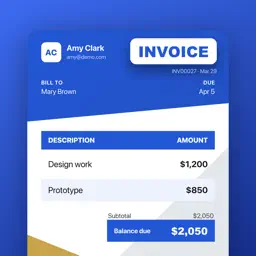
Smart Invoice & Estimate Maker
The fastest way for freelancers and small businesses to send professional invoices, estimates and quotes — and get paid faster with built-in payment QR codes.
- Free to download
- iPhone & iPad
- iOS 17 or later
- No account needed

On a computer? Scan this with your iPhone camera to download the app.
Not on an iPhone? Try this in any browser: Free invoice template
What it does
Invoices in minutes
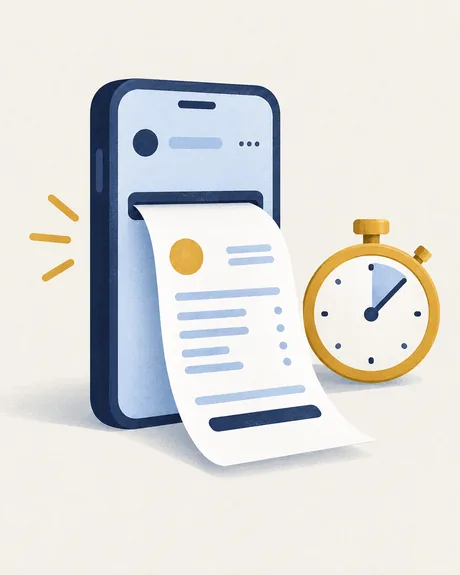
Pick one of 100+ templates, add your client and items, and share a polished PDF. Start with an estimate or quote and turn it into an invoice with one tap.
Scan a paper invoice
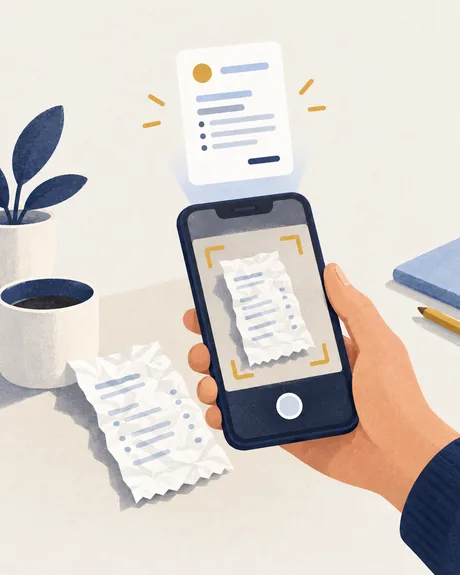
Photograph a paper invoice, or pick a photo, and it becomes an editable draft. The page is read on your device; the optional AI review sends it to Google only when you ask.
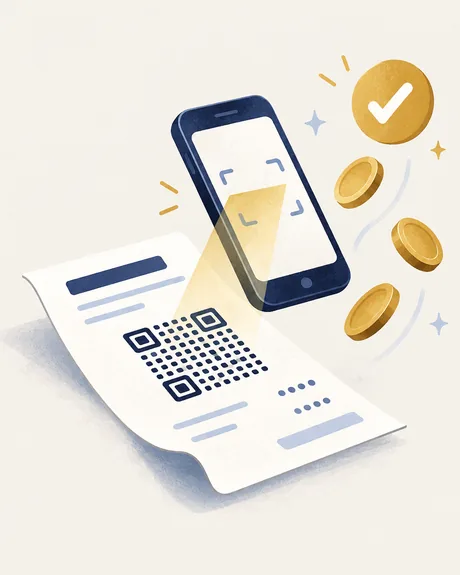
Get paid with a scan
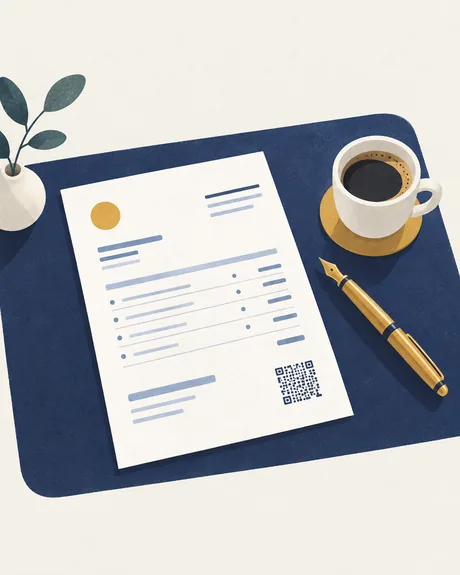
Every invoice can carry a payment QR code your clients scan to pay. See paid, unpaid, partial and overdue at a glance, and share a paid invoice as a receipt.
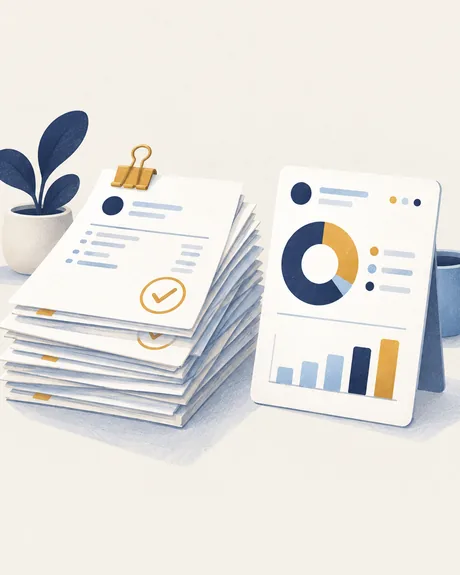
Know what is still owed
Sales reports show income by month, your top clients and what is still outstanding.

Your brand on everything
Set your logo, brand color and fonts once, and invoices, templates and QR designs pick them up automatically.
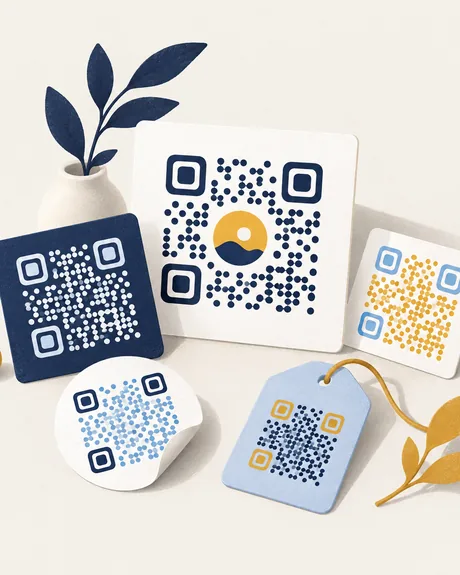
A QR code studio too
Twelve QR types, from links and Wi-Fi to payment and Pix, and sixteen ready-made designs. Contrast and quiet zone are checked, so the code always scans.
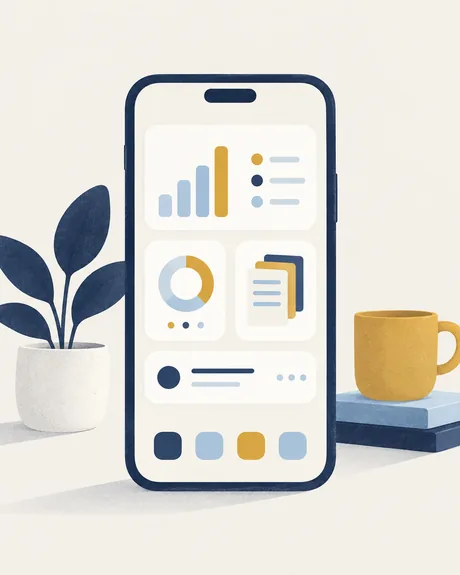
On your Home Screen
Three widgets: what you're owed, quick create shortcuts, and a payment QR drawn large enough to hold up and scan.
See it in action
The details, as written in the App Store
Create invoices in minutes
- Pick one of 100+ templates, add your client and items, and share a polished PDF
- Scan a paper invoice — or pick a photo — and it becomes an editable draft; the page is read on your device — the optional AI review sends it to Google only when you ask
- Start with an estimate or quote, then turn it into an invoice with one tap
- Save clients, items and tax rates for one-tap reuse
- Discounts, shipping, payment methods and reusable terms
- Sign off with a handwritten signature drawn right on your iPhone
Get paid with a scan
- Every invoice can carry a payment QR code your clients scan to pay
- Track status at a glance: paid, unpaid, partial and overdue
- Record payments and keep an accurate outstanding balance
- Sales reports show income by month, your top clients and what is still outstanding
- Paid in full? Share the invoice as a receipt — the same document, marked paid, with the date it was settled
Your brand on everything
- Set your logo, brand color and fonts once
- Invoices, templates and QR designs pick up your brand automatically
A QR code studio too
- 12 QR types: link, Wi-Fi, contact card, email, phone, SMS, chat, location, calendar, text, payment and Pix
- 16 ready-made designs — poster, menu card, sale tag, neon, business card and more — plus your own colors, dots, frames and gradients
- Contrast and quiet zone are checked, so it always scans — export as an image to share, print or put on a sign
On your home screen
- Three widgets: what you’re owed, quick create shortcuts, and a payment QR ready to scan
- The code is drawn large enough to hold up — no need to open the app
- 50 backgrounds, plus your choice of font and text color
Safe and in sync
- Invoices, clients and QR codes sync privately through your own iCloud
- Move to a new iPhone and your work is already there
- Recently Deleted keeps invoices for 30 days, so one wrong tap is never final
- No account and no sign-up — the app works offline
- 13 app languages, light and dark appearance
Free to start
- Your first document is free — no account, no sign-up
- That's one in total, not one a month, whether it's an invoice, an estimate or a quote
- A document counts when you create it, and only once — editing it or sending it again later is free
- 4 of the ready-made QR designs are free — no Pro needed
- Exports carry a small line at the foot of the page naming the app — Pro switches it off
Pro
Go Pro to unlock everything:
- Unlimited invoices & QR exports
- 100+ invoice templates, 12+ QR styles & 16+ ready-made designs
- Full brand kit — color, font & logo
- Custom QR colors, dots & frames
- Remove the app’s line from the foot of exports
Questions or feedback? We read everything — reach us via the support link on this page.
What's new in version 1.1.24
- New to Pro? Try the monthly plan free for 7 days.
- The upgrade screen now shows a simple timeline: everything unlocked today, an optional reminder before it renews, and the day the plan starts. Cancel before then and you won't be charged.
Questions people ask
Is there an invoice app for iPhone that works without creating an account?
Yes. Smart Invoice & Estimate Maker has no account and no sign-up, and it works offline. Invoices, clients and QR codes sync through your own iCloud if you want them on more than one device.
How many invoices can I create for free?
Your first document is free — one in total, not one a month, whether it's an invoice, an estimate or a quote. A document counts when you create it, and only once: editing it or sending it again later is free. No account, no sign-up.
Can a client pay directly from the invoice?
Yes. Every invoice can carry a payment QR code the client scans to pay. You then record the payment in the app, and the invoice moves between unpaid, partial, paid and overdue.
Can I turn an estimate or quote into an invoice?
Yes, in one tap. Clients, line items and tax rates are saved once and reused, and you can add discounts, shipping, payment methods and reusable terms.
Does it make QR codes for anything other than payment?
Yes. It includes a QR studio with 12 types — link, Wi-Fi, contact card, email, phone, SMS, chat, location, calendar, text, payment and Pix — and 16 ready-made designs, four of which are free.
Can I recover an invoice I deleted by accident?
Yes. Recently Deleted keeps invoices for 30 days.
What does Invoice Maker Pro unlock?
Unlimited invoices and QR exports, 100+ invoice templates, 12+ QR styles and 16+ ready-made designs, the full brand kit (color, font and logo), custom QR colors, dots and frames, and no app line at the foot of exports.


